

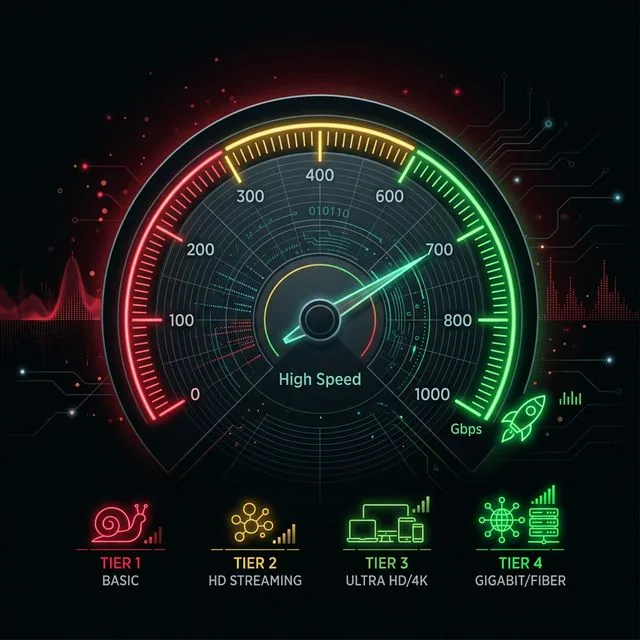
The definition of a "good" internet connection has been distorted by billions of dollars in telecom advertising. ISPs want you to believe that if you don't have gigabit fiber, your movie will buffer and your game will lag. The reality of networking protocols tells a completely different story.
For an individual, 50 Mbps is good. For a typical couple or roommates, 100 Mbps is more than adequate. For a family of 4–5 people with smart TVs, smartphones, gaming consoles, and remote work laptops, 200 to 300 Mbps represents the sweet spot of price-to-performance.
2. How Much Speed Do You Need by Activity?
To understand what makes a connection good, we must break down the exact throughput demands of common internet protocols and applications:
| Activity | Download Req. | Upload Req. | Latency Priority |
|---|---|---|---|
| Basic Web Browsing & Email | 1–5 Mbps | 1 Mbps | Low |
| HD Video Streaming (1080p) | 5 Mbps | 0.5 Mbps | Low |
| 4K UHD Streaming (Netflix/YouTube) | 25 Mbps | 1 Mbps | Low |
| Zoom / Teams HD Video Call | 3.8 Mbps | 3.8 Mbps | Moderate |
| Competitive Gaming (Valorant, CS2) | 5 Mbps | 1 Mbps | Critical (<30ms) |
| Live Streaming to Twitch / YouTube | 2 Mbps | 10–15 Mbps | Moderate |
Source Note: Baseline bandwidth requirements sourced directly from engineer documentation provided by Zoom, Netflix, and Steam. Gaming performance is bounded by latency and jitter stability rather than throughput.
3. Evaluating Multiple Devices on a Single Line
Network capacity calculations are simple addition. Calculate what every active device in your home consumes simultaneously during peak evening hours (typically 7 PM to 10 PM):
Two family members streaming 4K video (50 Mbps total) + one person on a work video conference (4 Mbps down / 4 Mbps up) + one person playing an online multiplayer game (3 Mbps) = 57 Mbps total downstream demand. Even on a conservative 100 Mbps plan, you still have more than 40% headroom available for background downloads and web browsing.
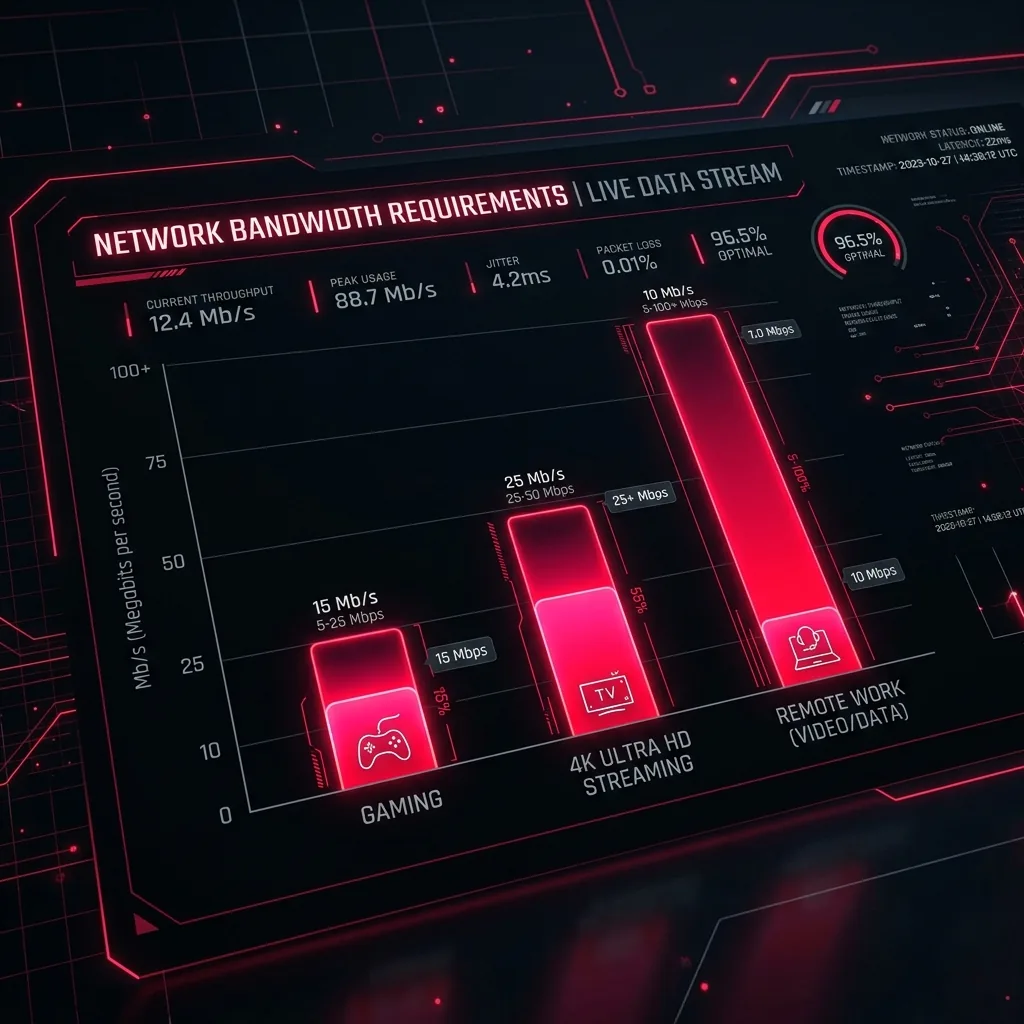
Fig 1: Average per-application bandwidth reservation out of a standard 100 Mbps household pipeline.
4. Download vs. Upload Constraints: The Asymmetry Trap
This is where consumers misdiagnose their internet problems. Legacy coax cable providers (DOCSIS 3.0 and 3.1) push asymmetric speed tiers. An ISP might aggressively market a 500 Mbps download tier while silently capping upstream bandwidth at a meager 10–20 Mbps.
Consider two remote professionals on simultaneous video calls. Each call requires roughly 3.8 Mbps upstream. That consumes 7.6 Mbps out of a 10 Mbps upload cap. If a smartphone starts backing up 4K video to iCloud or Google Photos in the background, the upload pipe completely saturates. The cable modem begins buffering packets, latency spikes from 20ms to 400ms, and calls freeze. Upgrading to a 1 Gbps cable tier does not solve this, because the ISP often only increases upload to 20 or 35 Mbps. The issue was never download bandwidth.
5. When Do You Actually Need Gigabit Speeds?
There are valid, specific technical workflows where gigabit connections (1,000 Mbps) provide real value:
- Content Creation & Media Production: Uploading 40–80 GB raw 4K video files to remote cloud storage requires symmetrical fiber gigabit to prevent multi-hour upload bottlenecks.
- Frequent Huge Game Downloads: A 120 GB game install takes roughly 16 minutes on gigabit versus 2.5 hours on 100 Mbps.
- Large Households (6+ Active Heavy Users): Having multiple simultaneous video editors, streamers, and workstations prevents contention on a shared pipe.
For the average household, upgrading from 300 Mbps to 1,000 Mbps yields zero noticeable difference in web browsing, 4K streaming, or gaming responsiveness.
6. ISP Throttling and Peak Congestion
Telecom providers market speeds using "up to" clauses, legally insulating themselves against off-peak versus on-peak degradation. In shared cable neighborhoods, DOCSIS nodes often suffer from oversubscription. During evening peak hours, your 400 Mbps connection may drop to 80 Mbps due to neighborhood congestion.
If you suspect node saturation or ISP throttling, run neutral speed tests outside your ISP's internal test network at different hours of the day.