YouTube Connection Speed Low but Speedtest Fast? What to Check
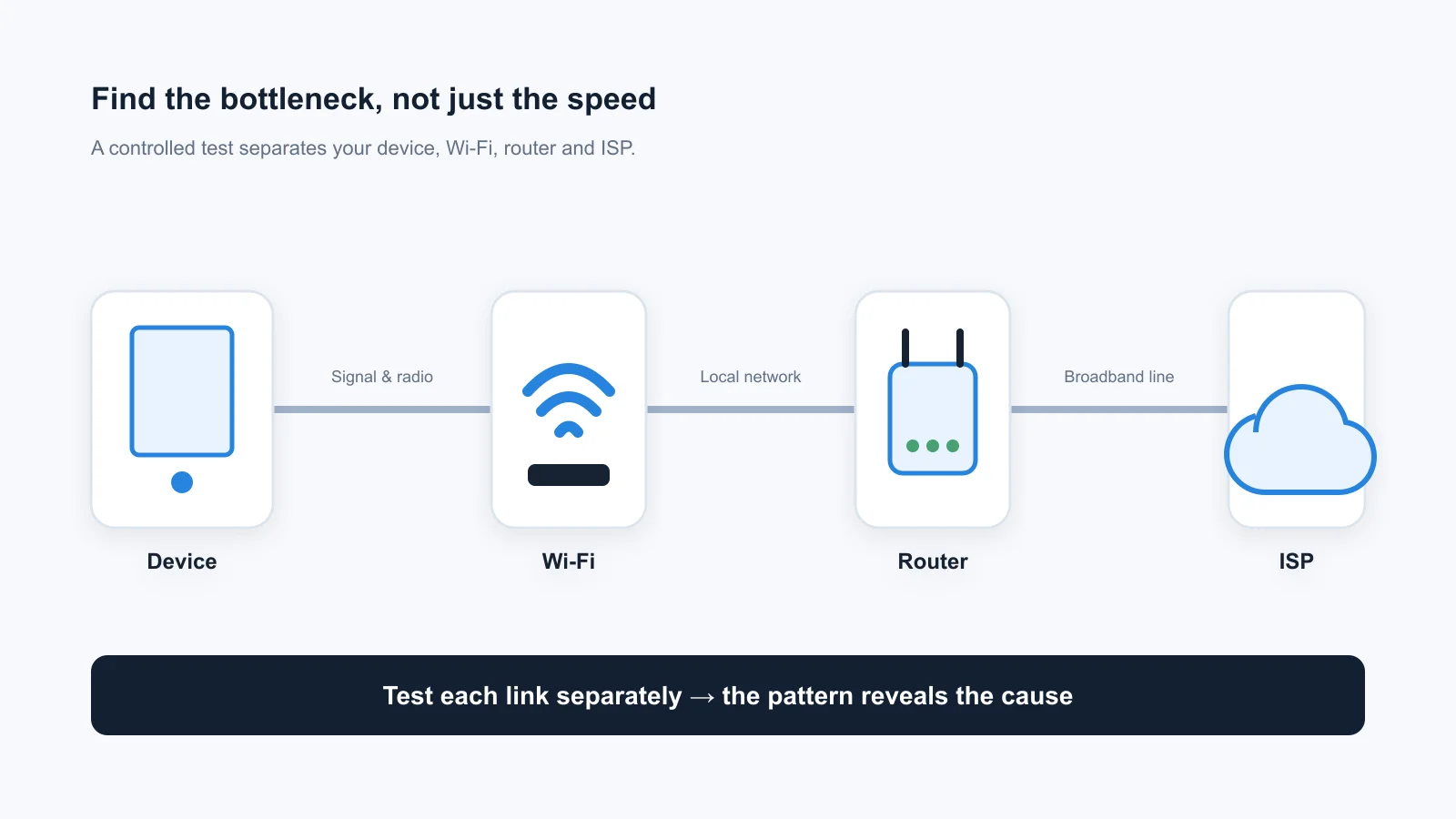
Compare the player reading, buffer trend and a separate speed test before changing your browser, router or internet plan.

practical guides on network optimization, latency reduction, and internet performance.
Compare the player reading, buffer trend and a separate speed test before changing your browser, router or internet plan.
YouTube looks choppy while video stays buffered? Compare buffer trends, new dropped frames, and the same clip before changing settings or hardware.
Mesh Wi-Fi slowed down after wiring a satellite? Compare the active backhaul, a direct cable, and the installed route before resetting or replacing hardware.
Steam’s network graph hits zero while the disk stays busy? Check update progress, the game’s drive, and error messages before clearing caches or changing your network.
Windows reports a gigabit link, but downloads stay near 100 Mbps? Check units, switch uplinks, and the wired path before replacing cables or resetting settings.
Only a few sites are slow? Separate whole-page delays from missing features, compare the pattern, and prepare a useful support report before resetting your network.
Your phone opens the page but your laptop struggles? Compare the browser, workload, and connection before resetting Windows or replacing hardware.
The same site is quick in Incognito but slow in normal Chrome? Compare session state, extensions, and site data before resetting your browser.
The same page is quick on mobile data but slow on Wi-Fi? Use a repeatable comparison to narrow the cause before changing DNS or blaming your ISP.
Fast speed tests but slow page starts? Locate the delayed stage, compare browsers and networks, and test reversible fixes before blaming DNS or your ISP.
Upload ping spikes while download latency stays low? Interpret the readings, compare Ethernet and Wi-Fi, and test upload limits or SQM before buying hardware.
A+ does not guarantee lag-free gaming. Follow six checks for server ping, packet loss, Wi-Fi, test limitations and device performance.
Use controlled connection checks to narrow possible contributors without declaring a failed component from one result.
Check a tool’s method, evidence, and limits rather than treating a score, VPN comparison, or marketing claim as proof of throttling.
Check address-level availability, current plan terms and your application needs rather than relying on an unsupported benchmark winner.
Five download-phase HTTP probes, a mean latency delta, validity rules and the reasons new letter grades are withheld.
A controlled checklist for comparing plan terms with test results, separating Wi-Fi symptoms and preparing a useful support record.
Compare name-resolution responses separately from download throughput, and check privacy and network policy before changing a resolver.
Measure upstream transfer performance, record conditions and keep upload throughput separate from loaded-latency claims.
Choose around coverage, backhaul and installation constraints without assuming a fixed speed penalty or a guaranteed hardware winner.
Repeat the same task with and without a VPN, recording changed routes and endpoints rather than assuming a universal speed penalty or benefit.
Use application evidence and repeatable network checks without mistaking missing diagnostic replies for proof of a faulty hop.
Compare quiet and busy conditions, check router support, and test queue-management changes without assuming a guaranteed fix.
Compare availability, plan terms, installation constraints, and observations at your address rather than relying on universal technology scores.
Compare the affected transfer, local connection, and competing traffic without treating one speed test as a root-cause verdict.
Check current application requirements, concurrent transfers, and the actual upstream offer without assuming a universal minimum or a guaranteed fix.
Record the setup, separate throughput from delay, and compare like-for-like observations before drawing conclusions.
Compare address-specific upload and download terms, costs, and repeatable observations without assuming immunity from congestion.
How smoothed HTTP RTT differences are calculated, why they are not standard deviation, and how to compare repeated observations.
Check populations, statistics, collection periods and limitations before relying on a broadband report.
Compare documented methods, destinations and limitations, not unsupported league tables or a single winning number.
Plan around simultaneous activities, upstream needs, and application requirements rather than a universal household speed score.
Separate throughput, browser HTTP timing, timing variation, and missing evidence before deciding what a result can support.
Diagnose lag before buying. Evaluate documented queue management, capacity and compatibility without unsupported product scores.
Separate observations from explanations and build a support record without treating a VPN comparison as definitive proof.
Estimate overlapping needs from current application guidance and verify real tasks instead of relying on a universal household tier.
Compare evening and quieter periods under repeatable conditions, separate local traffic from wider connection problems, and collect evidence before blaming a provider.
Use in-game evidence and controlled comparisons instead of guaranteed ping reductions or a universal router fix.
Compare wired and wireless connections on the same device without treating illustrative numbers, cable prices, or a single browser result as a latency guarantee.